LIVE·MAPS
MAPS — the software that runs the production.
MAPS sets the cameras up, runs them through the production and cuts along the way. Built for a studio workflow that holds together end to end.
Rundowns & AI mode
Rundowns made simple — with an AI mode for situations that change.
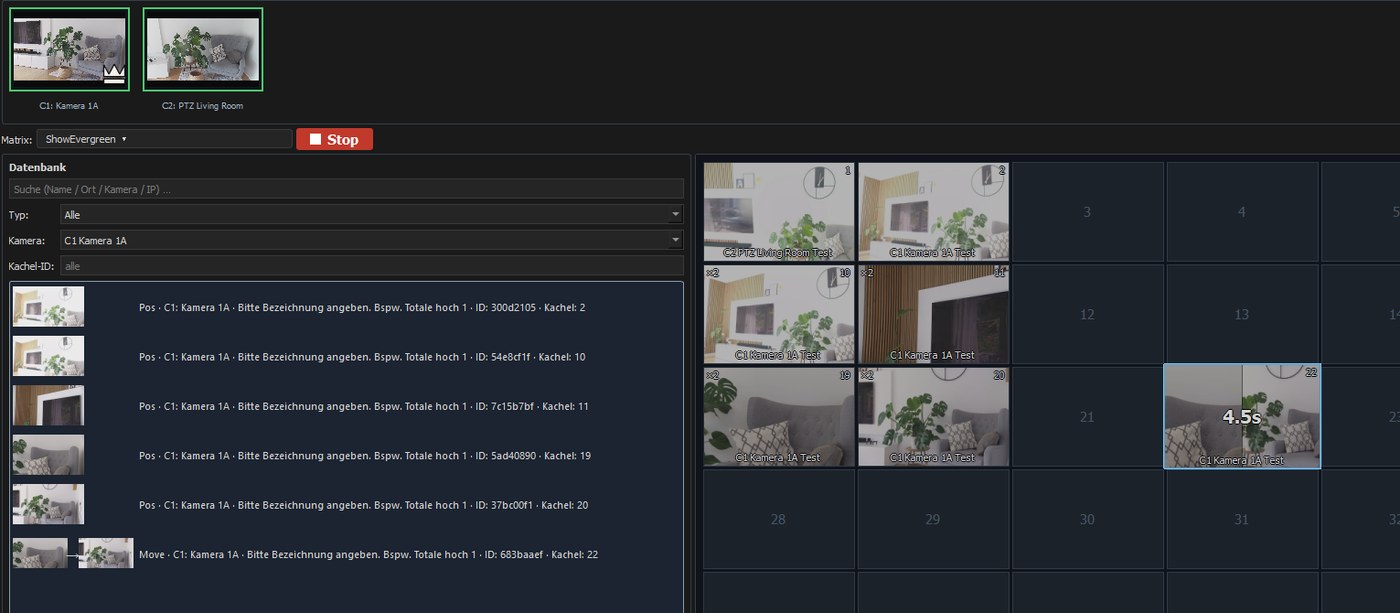
Every shot sits as a tile in one grid: set, recalled, combined into a move — and ordered into the rundown you go to air with. The AI mode picks up what cannot be scripted in advance.
- Every shot is set, recalled and combined in one place
- Carries large show databases without slowing down
- Cameras are added and maintained in the same place
- Ready to connect to Mosart and other automation systems
Tracking
Tracking that holds — with one camera or many.
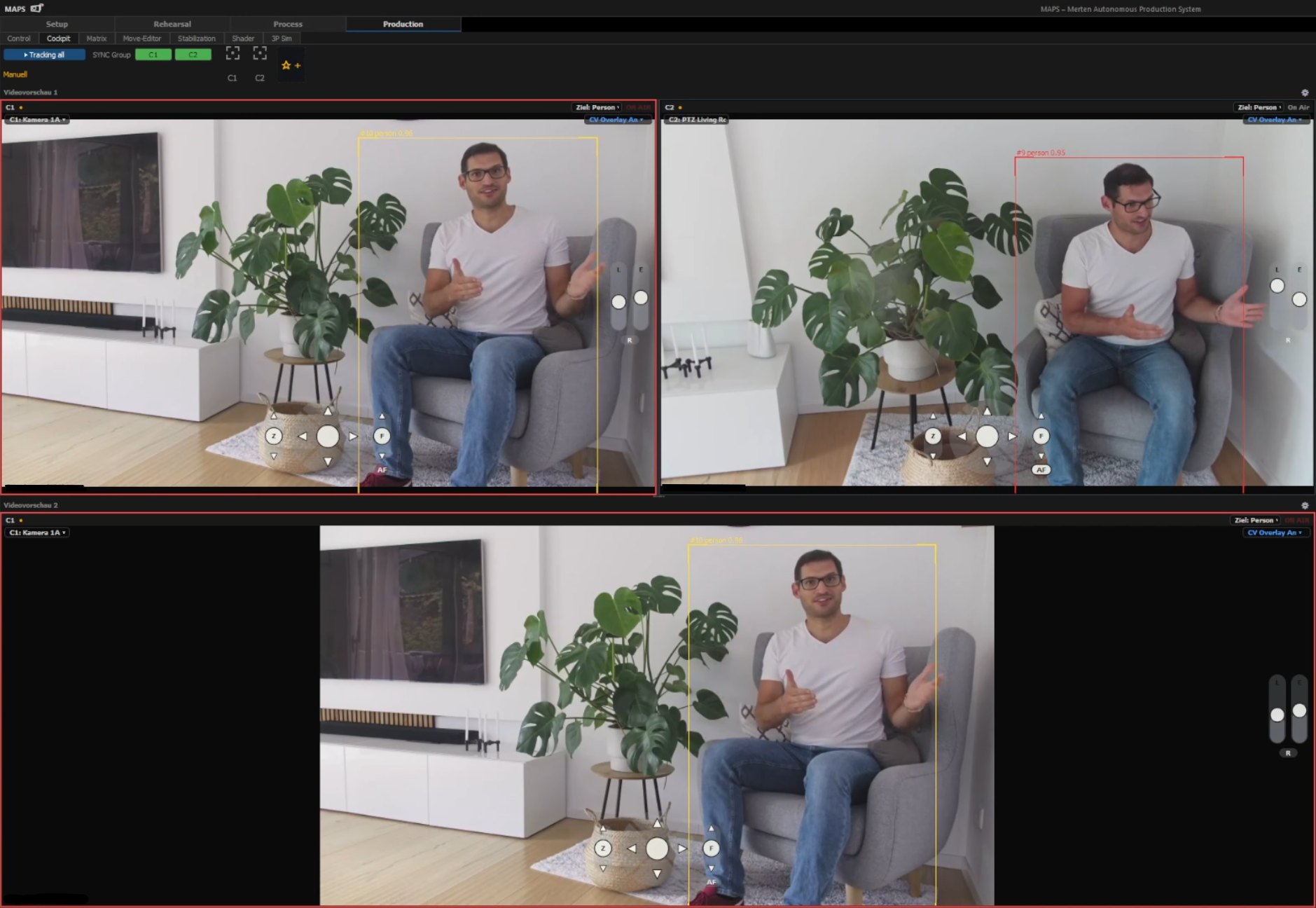
A target is followed with a single camera already. Add more, and it stays the same target across every angle.
- Follows a target from a single camera
- Additional cameras make tracking robust against false detections
- The same target stays the same target across every angle

Motion
Every move is a curve you shape.
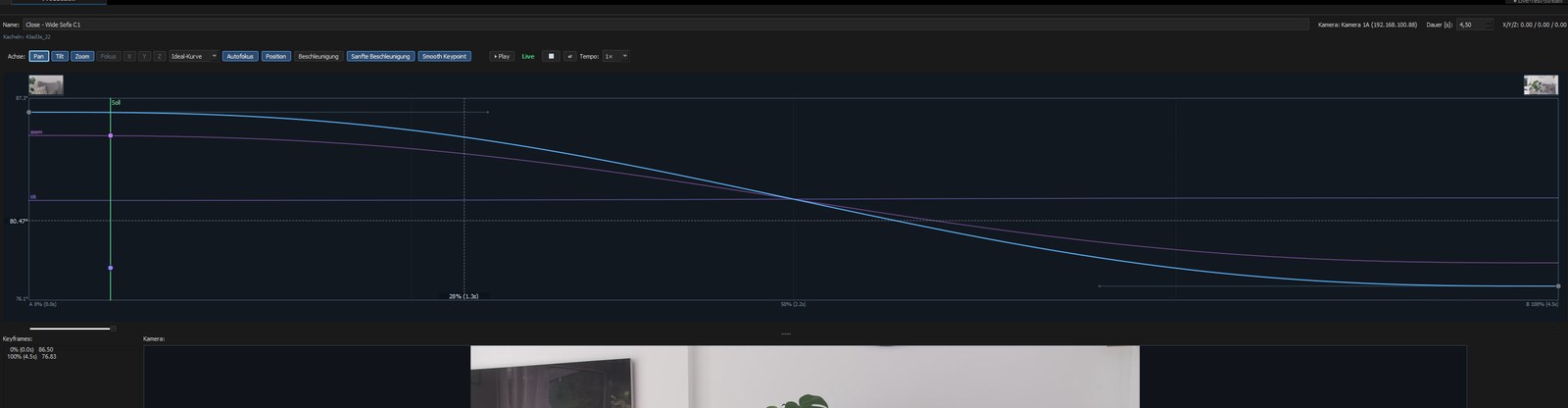
A move is not guessed at — it is edited on the curve, and you see speed, ease-in and ease-out while you change them.
- Keypoints wherever the shot needs them
- Speed and easing are edited on the curve, not guessed
- The hardware is the only limit
Picture
Colour control where the production happens.
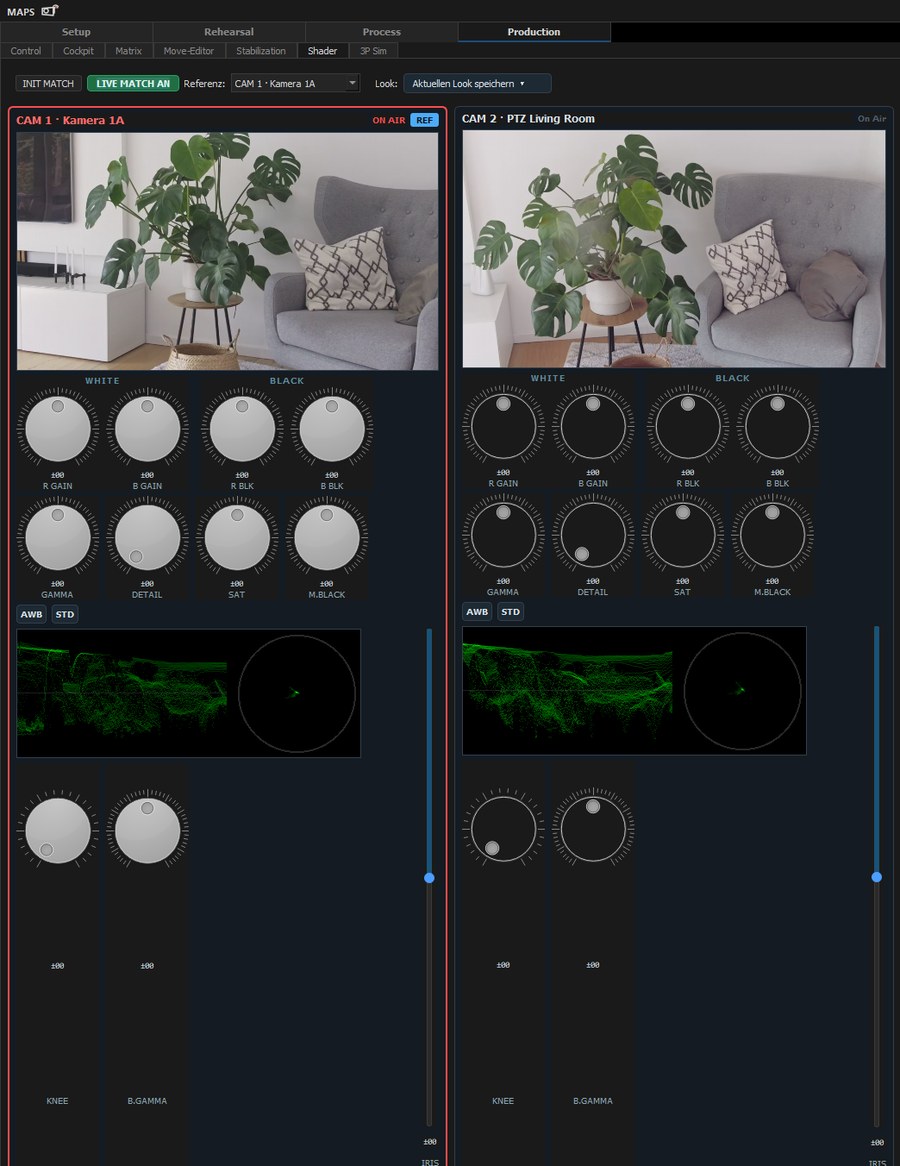
Several cameras are matched to each other without leaving the system — with the controls and scopes you already know.
- Match multiple cameras to each other automatically
- Full RCP operation without leaving the system
- Restless PTZ moves are smoothed out
Setup
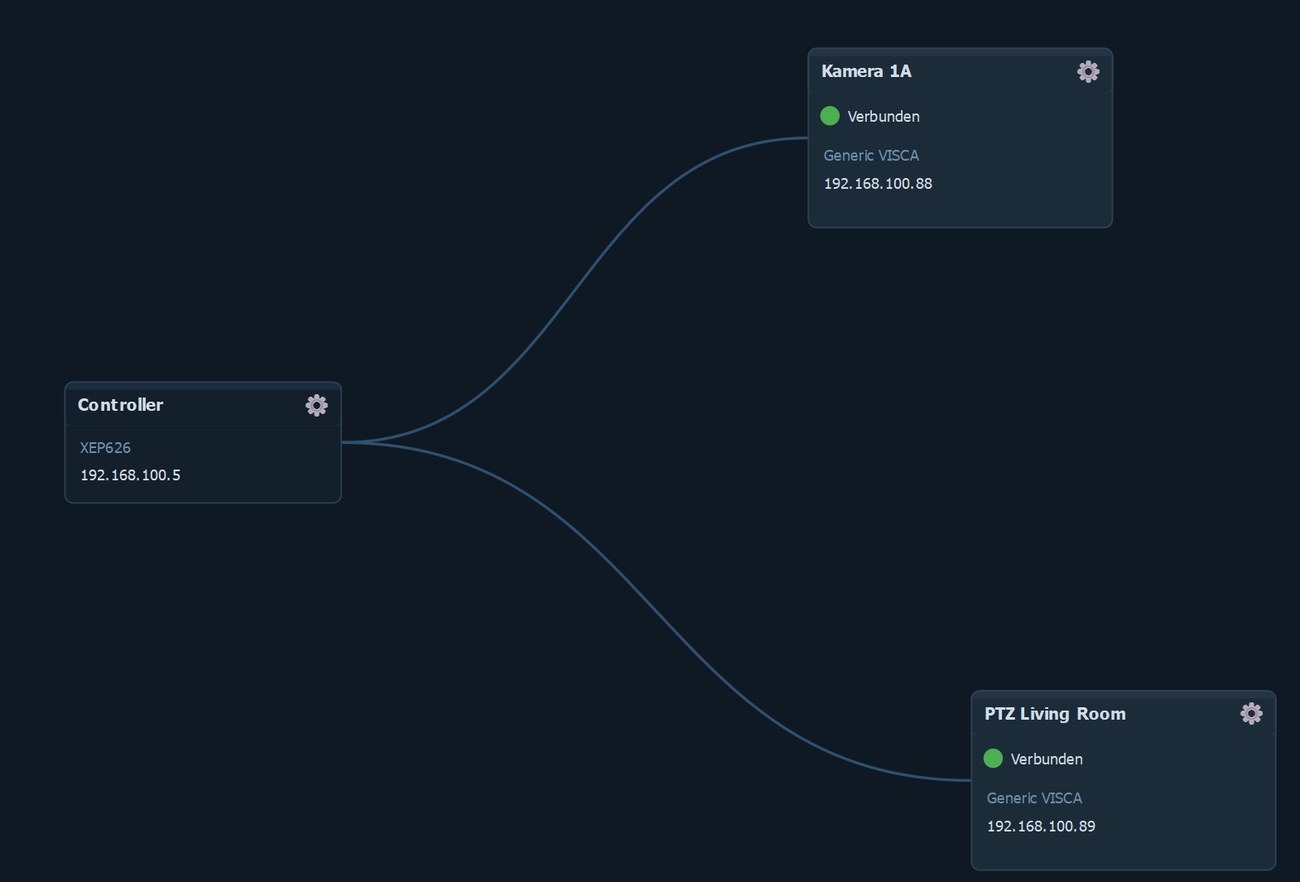
A setup you can read at a glance.
Devices and signals sit in front of you as a graph. What is connected is visible instead of documented elsewhere.
- Devices and signals are wired as a graph, not buried in a settings tree
- What is connected is visible instead of documented elsewhere
- A new camera chain is attached, not reconfigured
Contact
Want to see MAPS running?
Tell us what you produce — we will show you the interface on your case rather than on an example.
Screenshots from ongoing development, as of August 2026.